Delete duplicate photos on iPhone
Retakes, bursts, saved WhatsApp images and screenshots of screenshots. Most iPhones carry hundreds of near-identical photos. Here is what iOS can do on its own, and what it misses.
What iOS does by itself
Since iOS 16 the Photos app has a Duplicates album: open Photos, go to Albums, scroll to Utilities and tap Duplicates. Tap Merge and iOS keeps the highest-quality version and moves the rest to Recently Deleted.
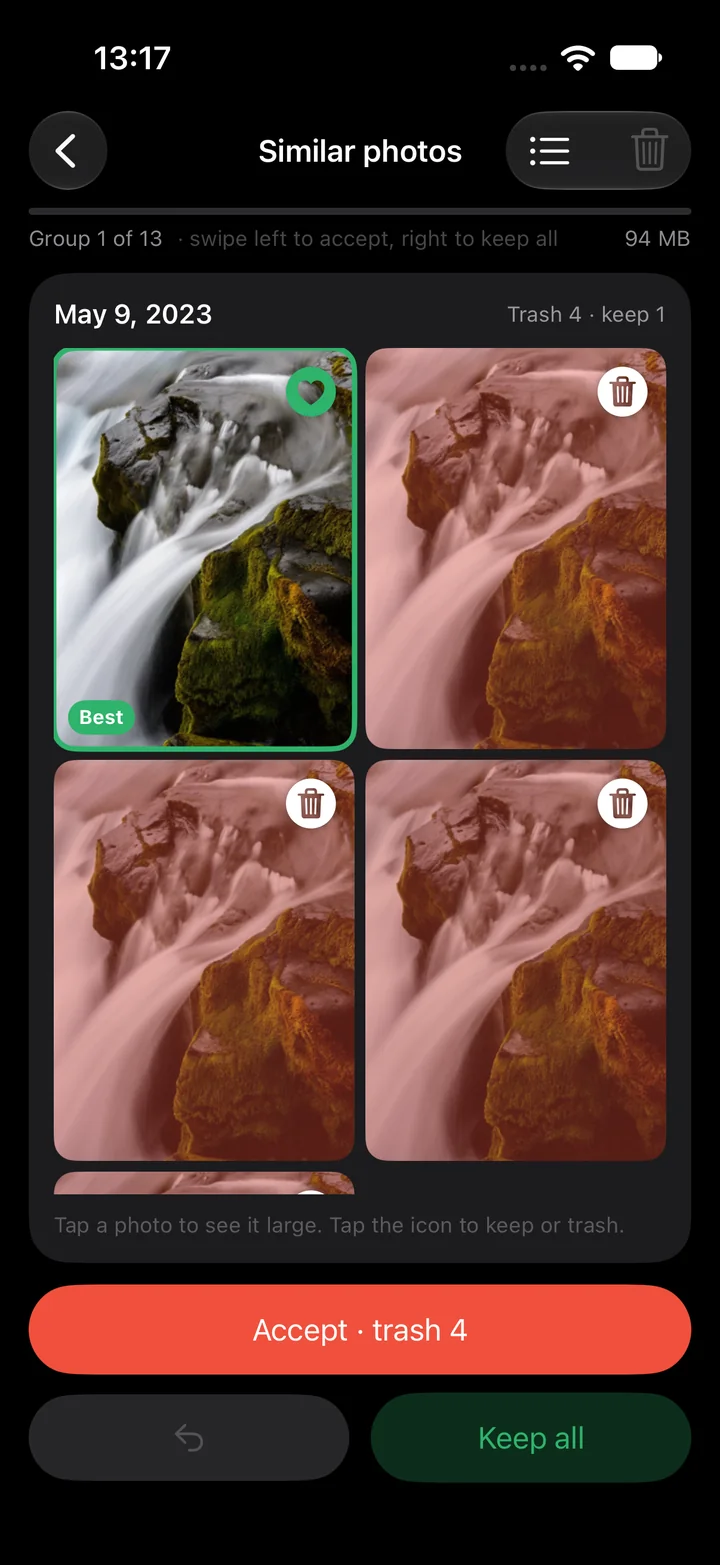
Start with the built-in Duplicates album. For separate attempts at the same shot, Sveep offers a manual review of similar-photo suggestions.
The photos iOS misses
Those five group shots are the real problem. They are different files with different pixels, so no hash matches. You need something that looks at the picture: framing, faces, sharpness, exposure.
Sveep compares photos taken close together in time on your phone. It does not upload your library to us. Apple may download originals from your iCloud Photos when needed.
How Sveep does it
Similar photos, one group at a time.
Sveep compares shots taken within 90 seconds of each other and keeps the best one: sharp, eyes open, facing the camera, everyone in frame. The rest are proposed for the trash, biggest groups first. When two are just as good it keeps both and says so.
You change anything with a tap, and Sveep learns.
Prefer the one where everyone smiles? Tap it. Every time you overrule the proposal, the ranking adjusts for the groups ahead. Five groups a day are free, on top of the fifty swipes.
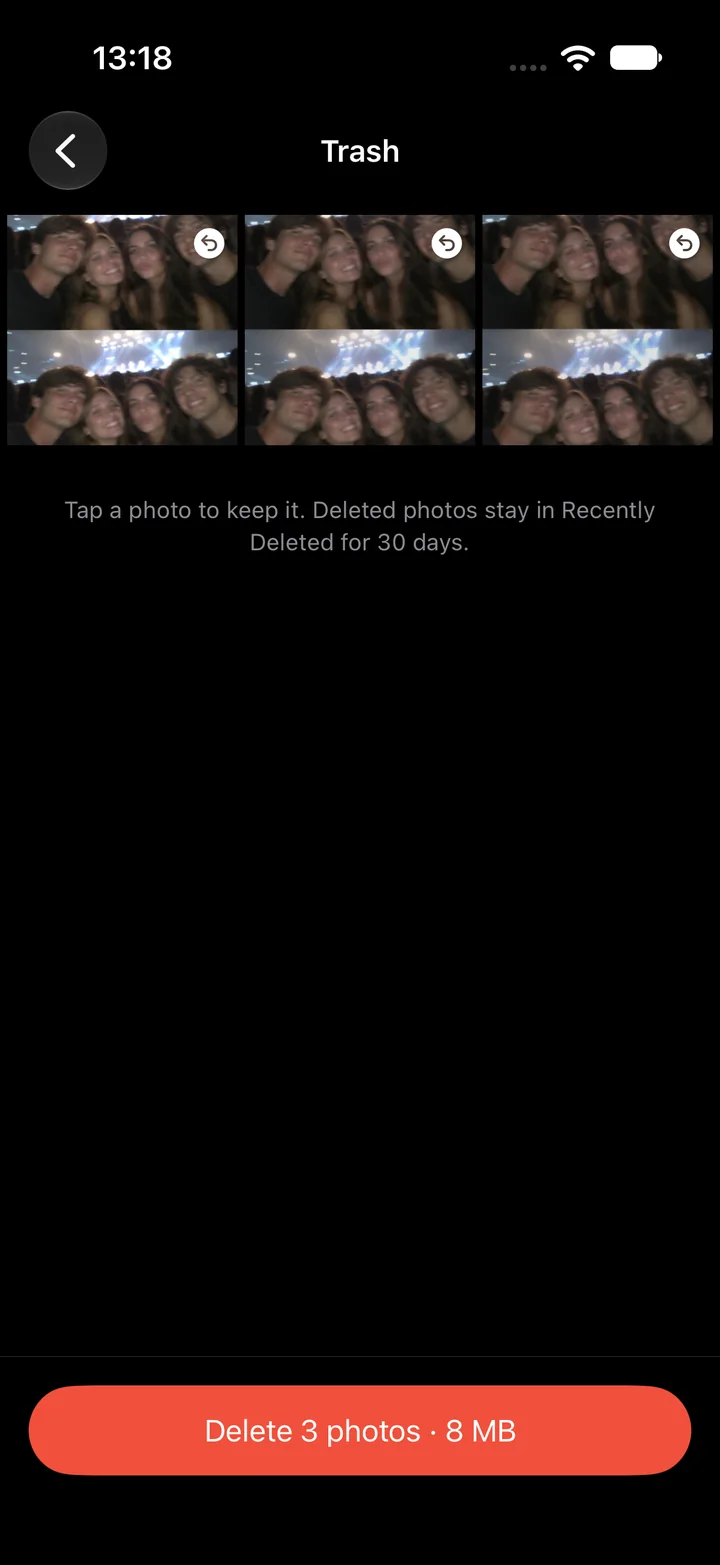
Undo for up to 30 days.
Deleted photos go to Recently Deleted in the Photos app, like everything else on iOS.
Common questions
Does Sveep upload my photos to find duplicates?
No. The comparison runs on the chip in your phone. Sveep has no server and no account. The app does not upload your photos to us.
Is merging in the Duplicates album safe?
Yes. iOS keeps the highest-quality version and combines the metadata. The others go to Recently Deleted for up to 30 days.
Will deleting on my iPhone delete from iCloud too?
Yes, if iCloud Photos is on. Deleting removes the photo from every device on the same account, with recovery available in Recently Deleted for up to 30 days unless you delete permanently sooner.
Is Sveep free?
50 swipes and five similar-photo groups a day are free, with no ads and no wait timers. Pro is yearly or a one-time purchase. There is no weekly plan.
Try it on your own photos
Sveep is on the App Store. Free to start, your photos never leave your phone.
Download on the App StoreUpdated 2026-09-22