Free up iPhone storage
Open Settings, General, iPhone Storage and look at the bar. On most phones Photos is the widest block by far. This is the order to attack it in.
First, the quick wins
Recently Deleted. Photos you delete stay for up to 30 days and still count. Open Recently Deleted in Photos (its location depends on your iOS version), then review and select only the items you want to delete permanently. Delete All also removes items deleted outside Sveep and cannot be undone.
Videos. One minute of 4K is a few hundred megabytes. Ten old screen recordings can be more than a thousand photos.
Screenshots. Small each, but there are hundreds: boarding passes, receipts, chats you meant to reply to.
Optimize iPhone Storage. Settings, Photos: with iCloud Photos on, this keeps small versions on the phone and full ones in iCloud. It helps until iCloud itself is full, and it does not remove anything you no longer want.
Then the real job: old photos
The gigabytes hide in ordinary months. Fifteen photos of the same dinner from 2021, four attempts at a sunset, the parking spot from a trip you have forgotten. Nobody wants to scroll through eight years of that in a grid.
A month at a time is the pace that works. Two minutes a day, oldest first, and the phone is light again within a few weeks.
How Sveep does it
Pick a month.
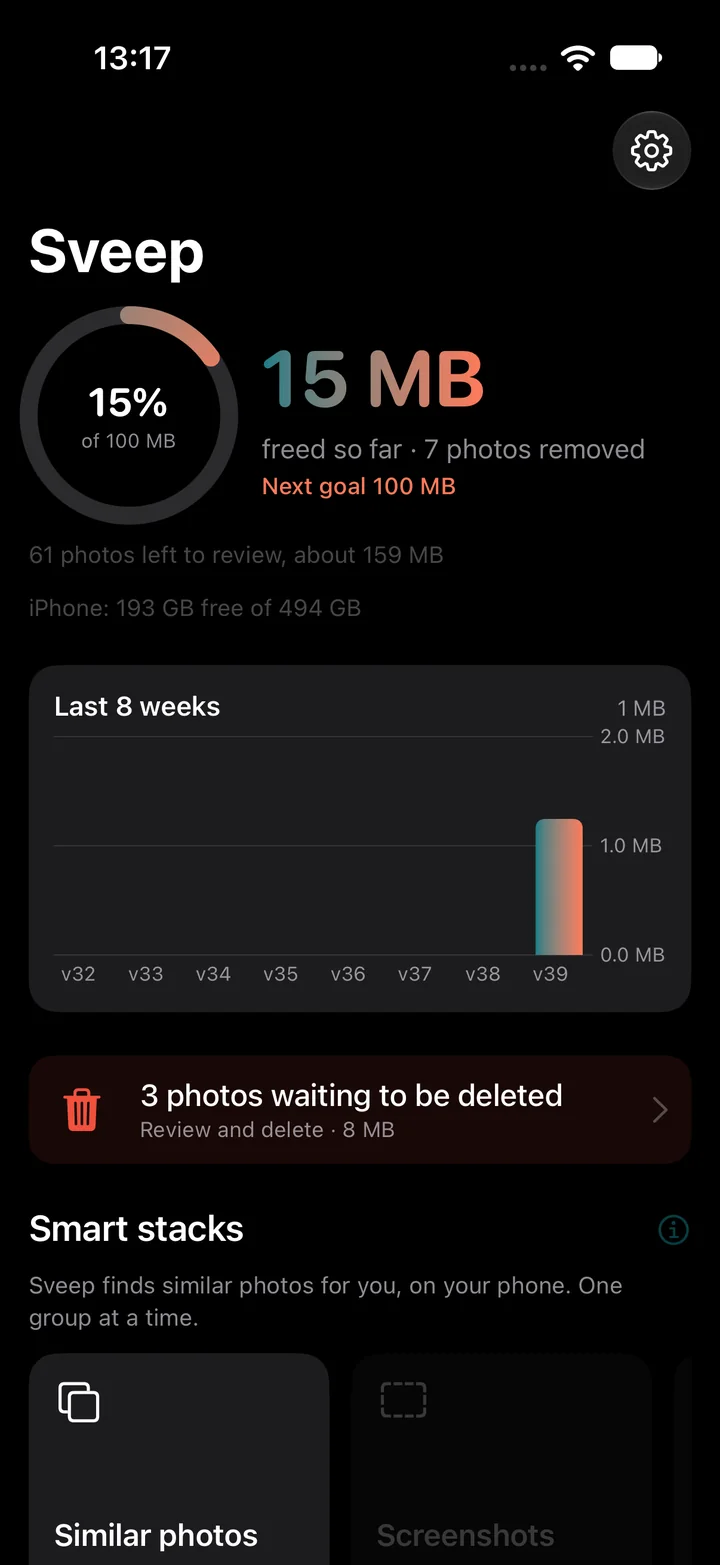
Sveep shows how many photos and gigabytes are waiting, oldest first. Or take a stack: videos, screenshots, similar photos, sorted by how much space they take.
Swipe.
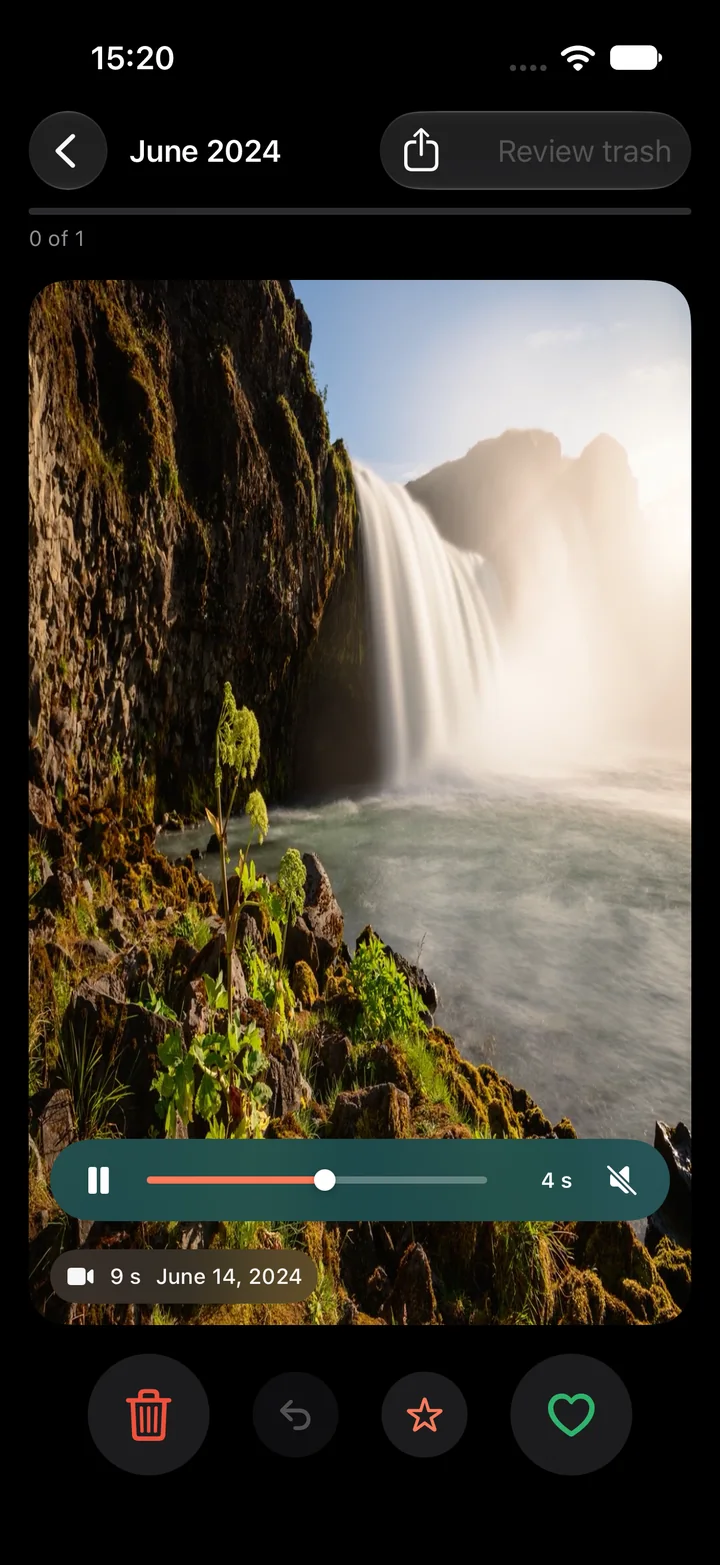
Left trashes, right keeps, up saves as a favorite. Videos play right on the card with a scrubber, so the biggest files get a fair look. Favorites and photos from the last 24 hours are never suggested.
Review, confirm, see the number.
The trash is shown before anything happens. Confirm deletion and see how many photos were removed, with an estimated media size. Actual recovered storage depends on Recently Deleted and iCloud optimization.
Common questions
I deleted photos but storage did not go down. Why?
They are in Recently Deleted for up to 30 days and still count. Review Recently Deleted in Photos and select only what you want to delete permanently.
Does deleting on iPhone also delete from iCloud?
Yes, with iCloud Photos on. The photo is removed from all your devices with recovery available in Recently Deleted for up to 30 days unless you delete permanently sooner. If you want a copy, export it first.
Does Sveep upload my photos to free up space?
No. Sveep is not a cloud service. It works on the photos where they already are and has no server.
How much is free?
50 swipes and five similar-photo groups a day, no ads, no wait timers. Unlimited with Pro, yearly or once for life.
Try it on your own photos
Sveep is on the App Store. Free to start, your photos never leave your phone.
Download on the App StoreUpdated 2026-09-22