Swipe to delete photos
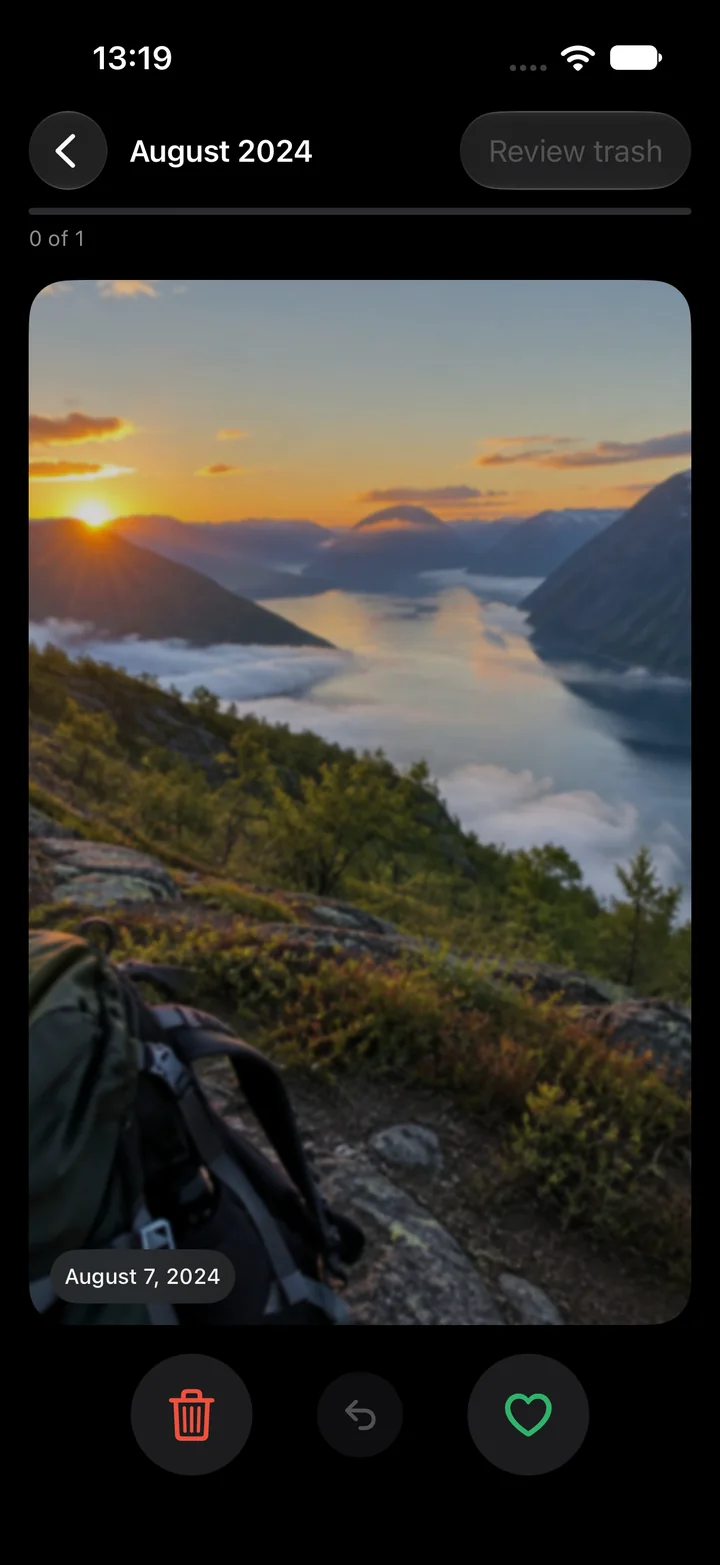
One photo at a time, like a card. Left is trash, right is keep. It is the only way most people actually finish cleaning a photo library, because it never asks you to look at eight years at once.
Why swiping works
A grid of thousands of thumbnails is a decision you postpone. A single card is a decision you make in half a second. Two minutes a day, and a month of photos is done before the coffee is.
Five things to check before you install one
Where do the photos go? Read the privacy policy and the App Store privacy label to understand whether processing happens on your device and what data is collected.
What does it cost per week? Many of these apps sell a weekly subscription behind a trial. Look for a yearly or lifetime price instead.
Ads and wait timers. A free tier that shows ads or makes you wait is paid for with your attention.
Is there a review step? Deleting should be two steps: a trash you can look through, then one confirmation.
Are favorites and new photos protected? The app should never propose a photo you marked as a favorite or took an hour ago.
How Sveep handles each
Photos never leave the phone.
No server, no account, no upload. Similar-photo detection runs on Apple's Neural Engine on the device.
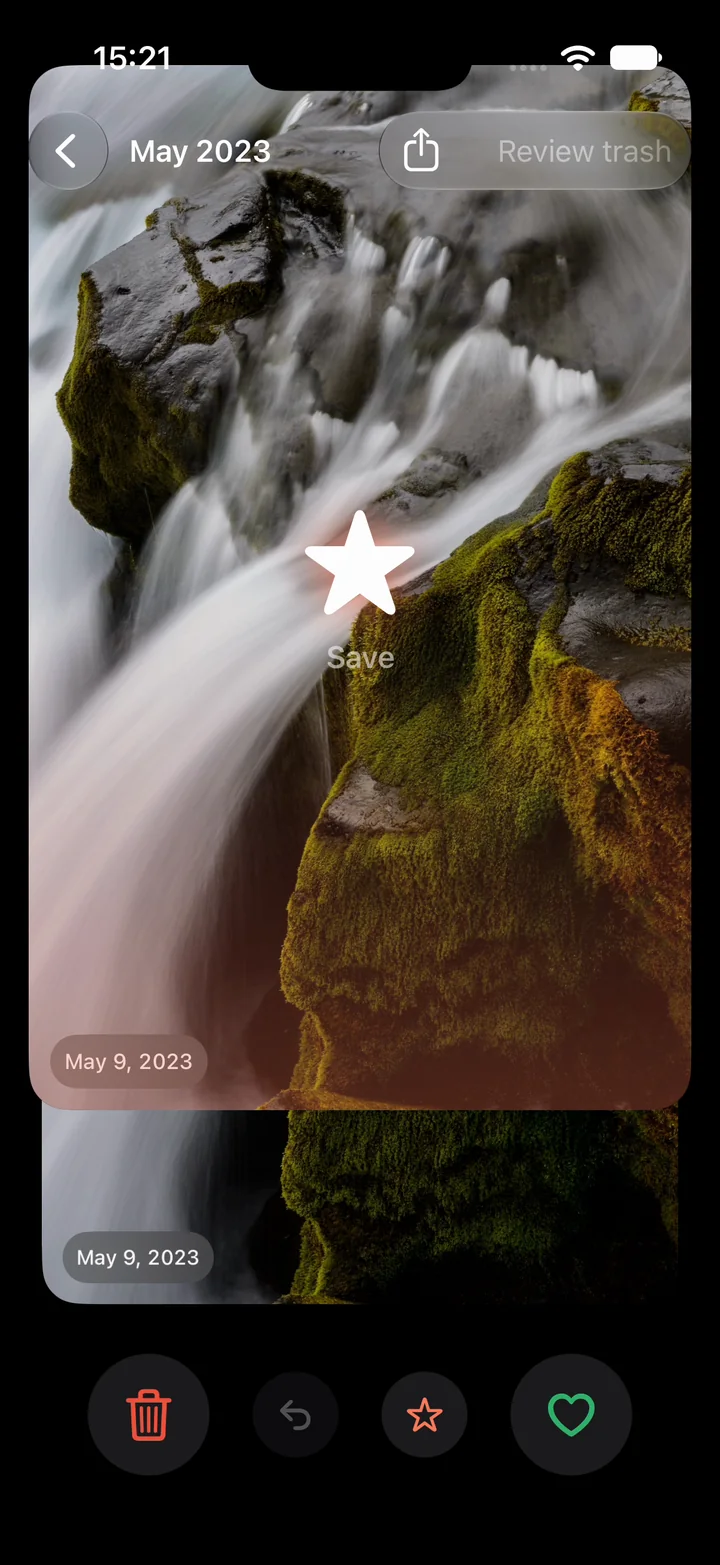
A third direction: up.
Swipe up and the photo is saved as a favorite in Photos, with a star burst so you know it took. Favorites never come back to Sveep, so up also means stop asking. Share any photo straight from the card.
Never a weekly price.
50 swipes and five similar-photo groups a day are free, with no ads and no wait timers. Pro is yearly, with any eligible trial shown before purchase, or once for life.
Two steps to delete.
Review the trash, confirm once, and the photos sit in Recently Deleted for up to 30 days. Favorites and photos under 24 hours old are never suggested.
Common questions
Is swiping to delete photos safe?
With a review step, yes. In Sveep nothing is deleted until you have looked through the trash and confirmed, and iOS keeps deleted photos for up to 30 days.
Do I need an account?
Not for Sveep. Purchases go through your Apple ID like any app.
Can I undo a swipe?
Yes, with a tap, and again in the trash before you confirm.
Is there a weekly subscription?
No, and there never will be. Yearly, or a one-time purchase.
Try it on your own photos
Sveep is on the App Store. Free to start, your photos never leave your phone.
Download on the App StoreUpdated 2026-09-22